Wingdings Translator & Decoder
Translate English to Wingdings and decode Wingdings back to English in seconds with our free online Wingdings translator. Type or paste your text below and get instant Wingdings symbols — no sign-up, no download, and it works on phones, tablets, and computers.
How to Use the Wingdings Translator
- Type or paste your text into the input box. It can be a single word, a sentence, or a whole paragraph.
- Choose your direction. By default the tool converts text to Wingdings symbols. Tap the ⇄ button to decode Wingdings symbols back into readable English instead.
- Copy your result with one click and paste it anywhere — Discord, Roblox, social media bios, or messages to friends.
Translation happens instantly in your browser — nothing you type is ever sent to a server, so your text stays 100% private.
What Is Wingdings?
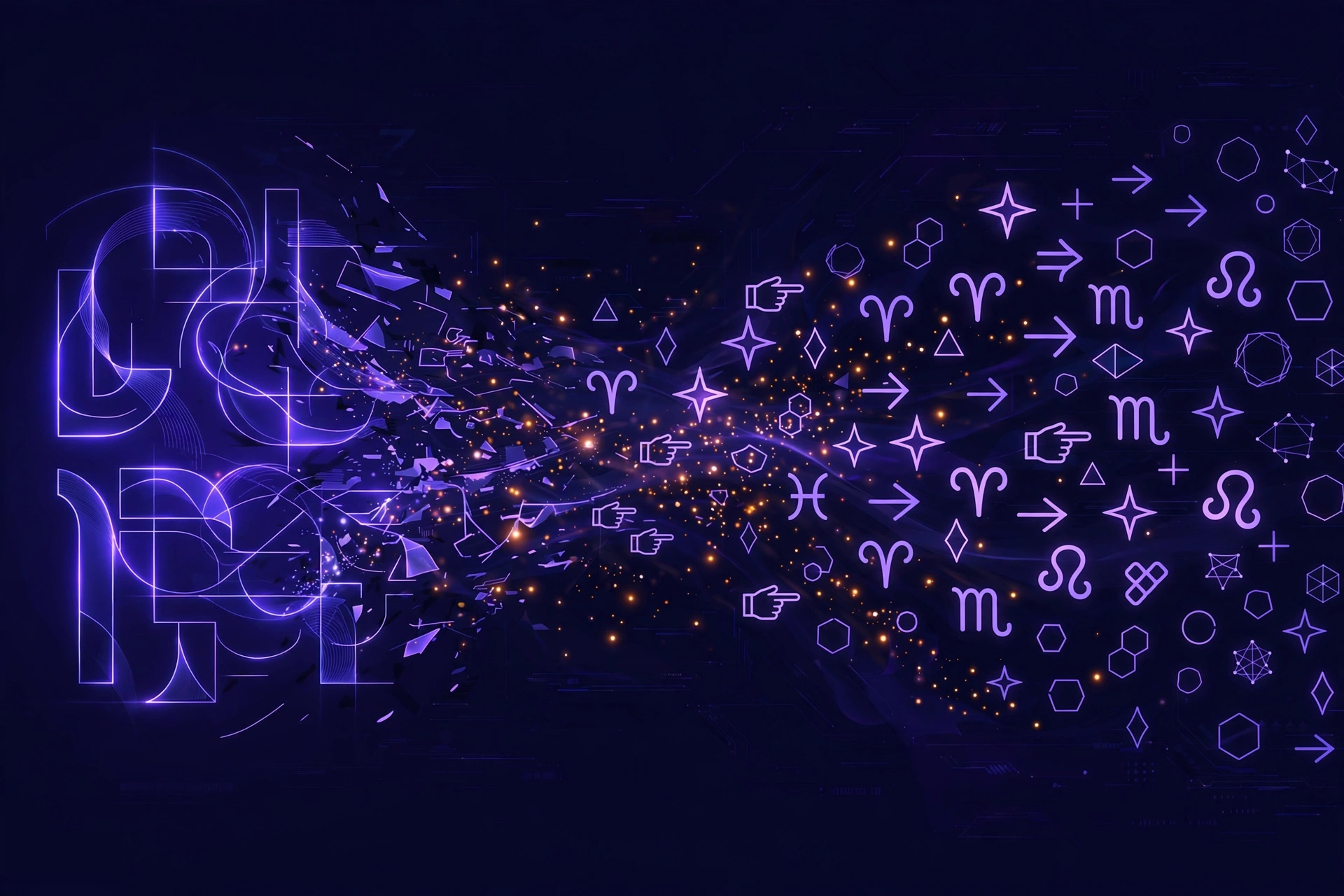
Wingdings is a symbolic dingbat font designed by Charles Bigelow and Kris Holmes and released by Microsoft in 1990. Instead of letters, each key on the keyboard produces a symbol — hands, arrows, stars, zodiac signs, geometric shapes, and more.
Because the symbols look like a secret code, Wingdings became an internet classic. Gamers know it best as the “language” of W.D. Gaster, the mysterious character from Undertale whose dialogue appears entirely in Wingdings — try our Gaster translator to decode his hidden entries.
Translate English to Wingdings and Back
English to Wingdings
Want to write secret messages or stylish symbols? Our English to Wingdings translator converts every letter, number, and punctuation mark into its matching Wingdings glyph. For example, HELLO becomes ☟♏●●□. Use it for fun codes, decorative bios, or puzzles.
Wingdings to English (Decode)
Found strange symbols in a game, a meme, or a friend’s message? Paste them into the tool, switch to decode mode, and our Wingdings decoder converts the symbols back into plain English instantly.
Wingdings Alphabet at a Glance
Every letter maps to a fixed symbol. Here is the Wingdings alphabet for capital and small letters:
| Letter | Symbol | Letter | Symbol |
|---|---|---|---|
| A | ✌ | a | ♋ |
| B | 👌 | b | ♌ |
| C | 👍 | c | ♍ |
| D | 👎 | d | ♎ |
| E | ☜ | e | ♏ |
| F | ☞ | f | ♐ |
| G | ☝ | g | ♑ |
| H | ☟ | h | ♒ |
| I | 🖐 | i | ♓ |
| J | ☺ | j | 🙰 |
| K | 😐 | k | 🙵 |
| L | ☹ | l | ● |
| M | 💣 | m | 🔾 |
| N | ☠ | n | ■ |
| O | 🏳 | o | □ |
| P | 🏱 | p | 🞐 |
| Q | ✈ | q | ❑ |
| R | ☼ | r | ❒ |
| S | 💧 | s | ⬧ |
| T | ❄ | t | ⧫ |
| U | 🕆 | u | ◆ |
| V | ✞ | v | ❖ |
| W | 🕈 | w | ⬥ |
| X | ✠ | x | ⌧ |
| Y | ✡ | y | ⮹ |
| Z | ☪ | z | ⌘ |
View the complete Wingdings chart → with numbers, punctuation, and Unicode values. For the full technical reference, see Alan Wood’s Wingdings character table.
Why Our Wingdings Decoder Is the Best
- ⚡ Fastest tool: under 15 KB of code, zero dependencies — translation is instant, even on slow phones.
- 🎯 Perfectly accurate: our character map is verified against Microsoft’s published Wingdings character set — all 94 letters, numbers, and symbols.
- 🔒 100% private: everything runs in your browser. Your text is never uploaded or stored.
- 🔄 Two-way: most translators only go one way. Ours encodes and decodes — a true reverse Wingdings translator.
- 🔤 3 fonts: switch between Wingdings 2 and Wingdings 3 without leaving the page.
- 📱 Mobile-friendly: big touch targets, responsive layout, adjustable symbol size.
- 💰 Free forever: no accounts, no limits, no watermarks.
- ✨ No emojis, no gimmicks: pure Unicode symbols (not emojis) that render consistently everywhere.
Frequently Asked Questions
What is a Wingdings translator?
A Wingdings translator is an online tool that converts normal text into Wingdings symbols (and back). Since Wingdings is a symbol font where each letter is replaced by a glyph, the translator applies the font’s character map to your text instantly.
How do I translate Wingdings to English?
Paste the Wingdings symbols into the input box above, tap the ⇄ button to switch to decode mode, and the tool will convert the symbols back into readable English text.
How can I type in Wingdings directly?
On Windows, you can select the Wingdings font in Word or another editor — but the symbols won’t display correctly for people without the font. Using an online translator (which outputs universal Unicode symbols) is more reliable for sharing.
Is the Wingdings translator free?
Yes — completely free, with no sign-up, no download, and no usage limits.
Why do Wingdings symbols look different on my phone?
Our translator outputs standard Unicode symbols, which every modern phone and computer can display. Appearance varies slightly between Apple, Android, and Windows emoji/symbol rendering, but the meaning stays the same.
What is the difference between Wingdings, Wingdings 2, and Wingdings 3?
They are three different Microsoft symbol fonts with different glyph sets. Wingdings 1 has hands, arrows, and stars; Wingdings 2 has more office-style symbols; Wingdings 3 is mostly arrows. Our tool supports all three.
Can I use Wingdings on Discord or Roblox?
Yes. Translate your text here, copy the symbols, and paste them into Discord or Roblox chat. Because we output Unicode characters (not a font), they display for everyone.
Who is Gaster and why does he speak Wingdings?
W.D. Gaster is a secret character in the game Undertale whose dialogue is written entirely in Wingdings. Fans use our Gaster translator to decode his mysterious entries.